

Junk Cleaner
Review temporary files, residual items and other clutter before freeing up space.
CleanerMax helps you review storage, remove unwanted files, organize photos, manage apps and keep everyday phone details in one place.
Explore features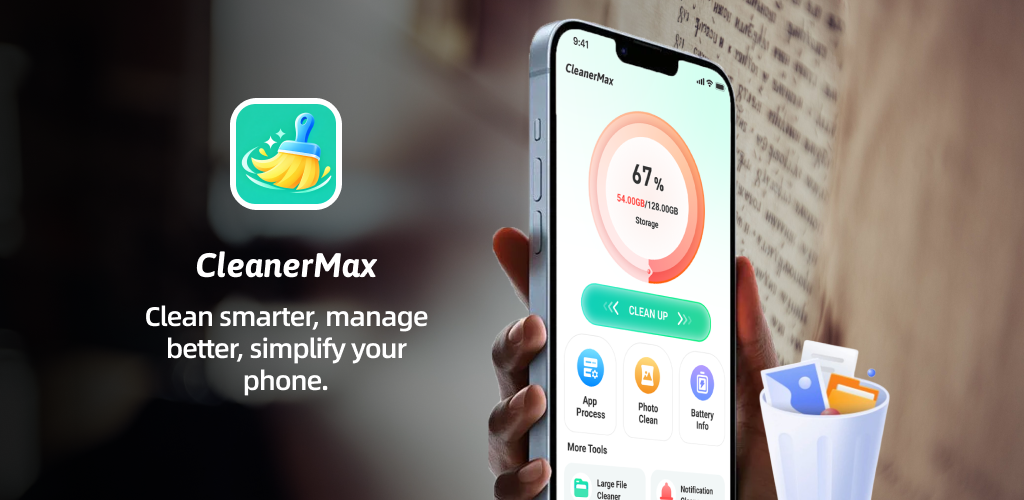
Explore the files, photos and apps using space on your phone, then choose what to clean with clear, user-confirmed actions.
Review temporary files, residual items and other clutter before freeing up space.

Find duplicate and blurry photos so your library is easier to review and organize.

See installed apps, their storage usage and Android’s standard uninstall options.
Focused screens make it easier to understand storage use and take the next step.
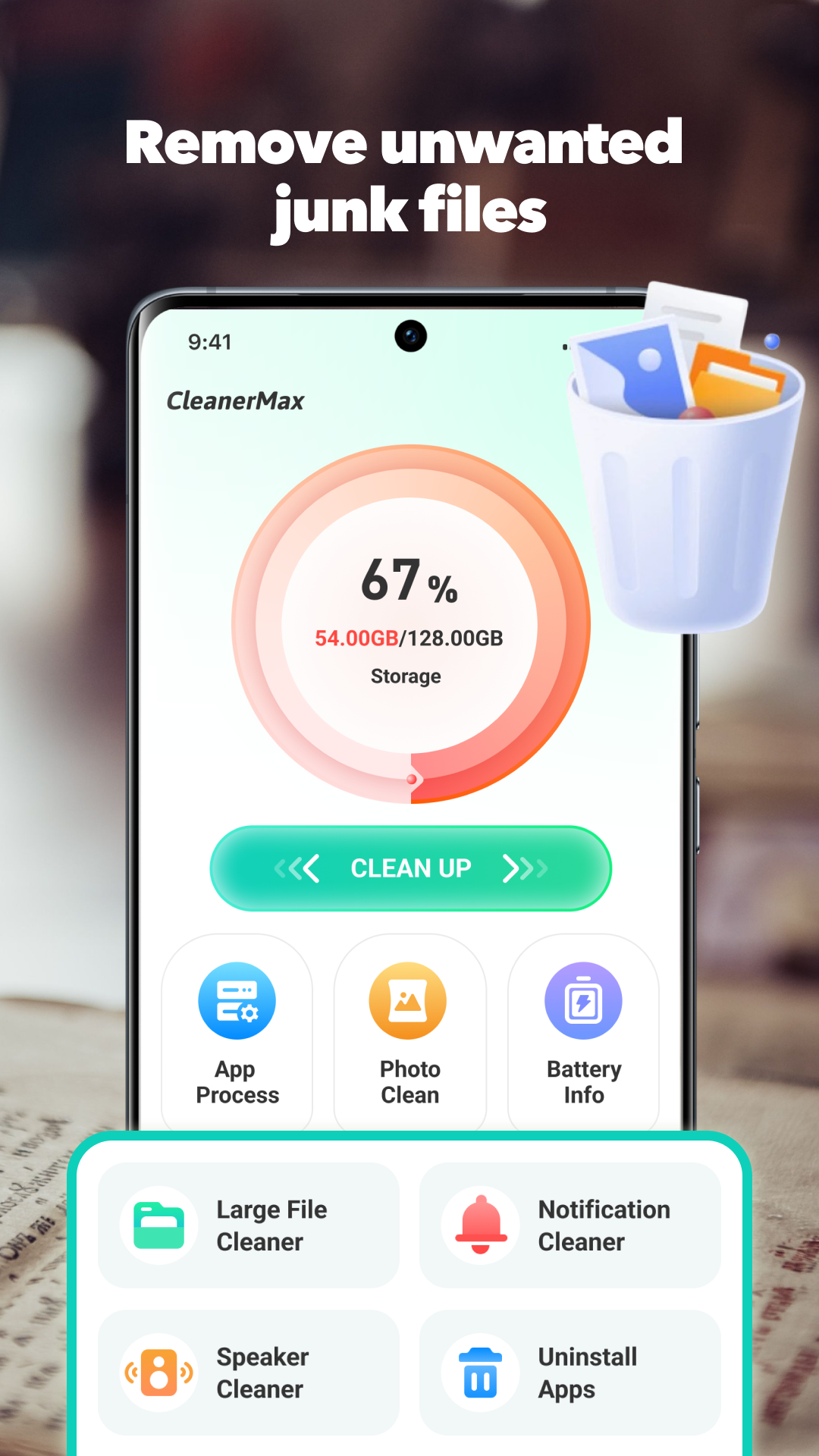
Start with a simple storage overview, then explore cleanup and management tools from one home screen.
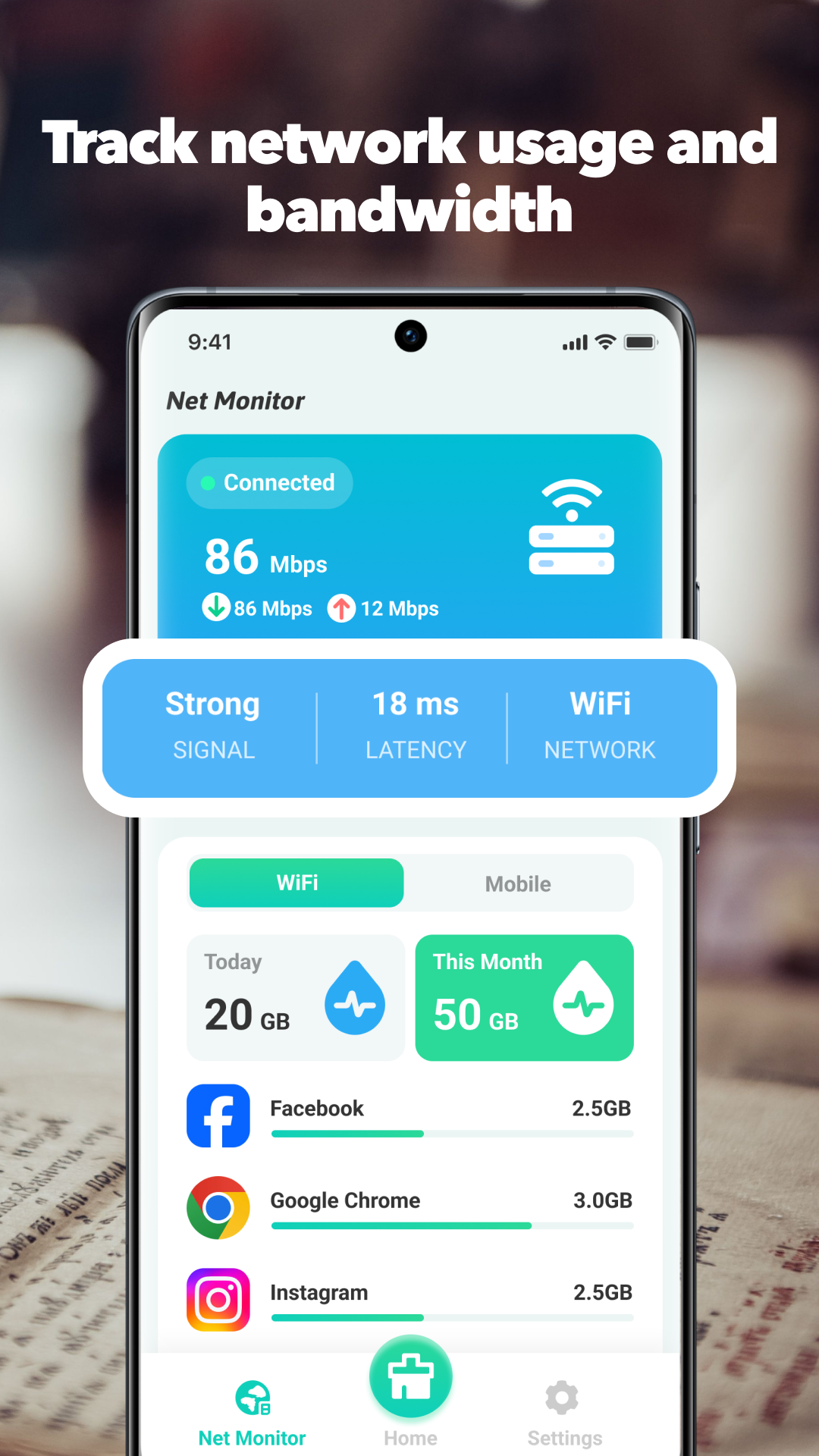
See your current connection, network type, latency and data usage in one focused view.

Review photo candidates before choosing whether to keep or remove them from your device.
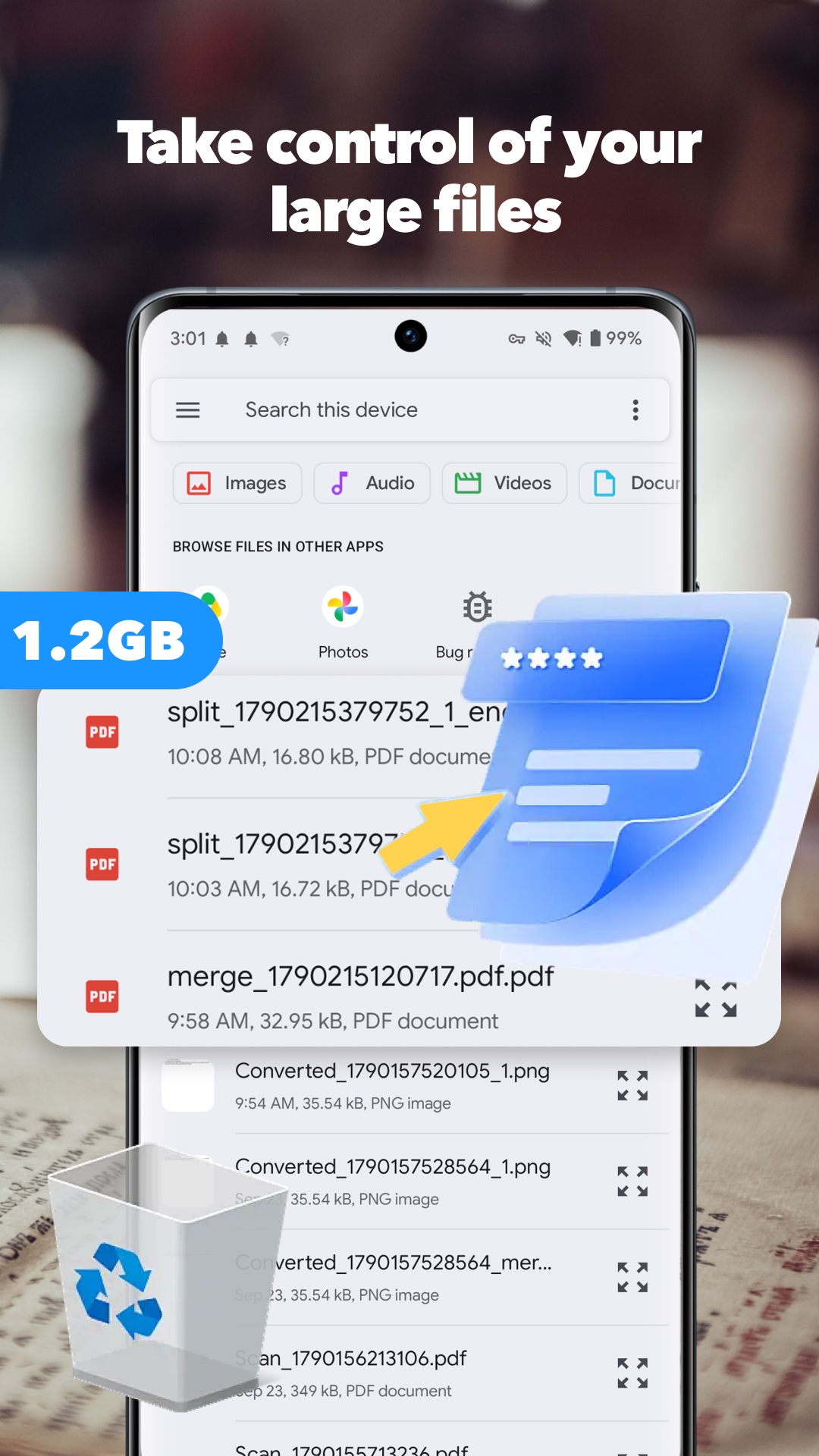
Browse large documents and other storage-heavy files to decide what is worth keeping.
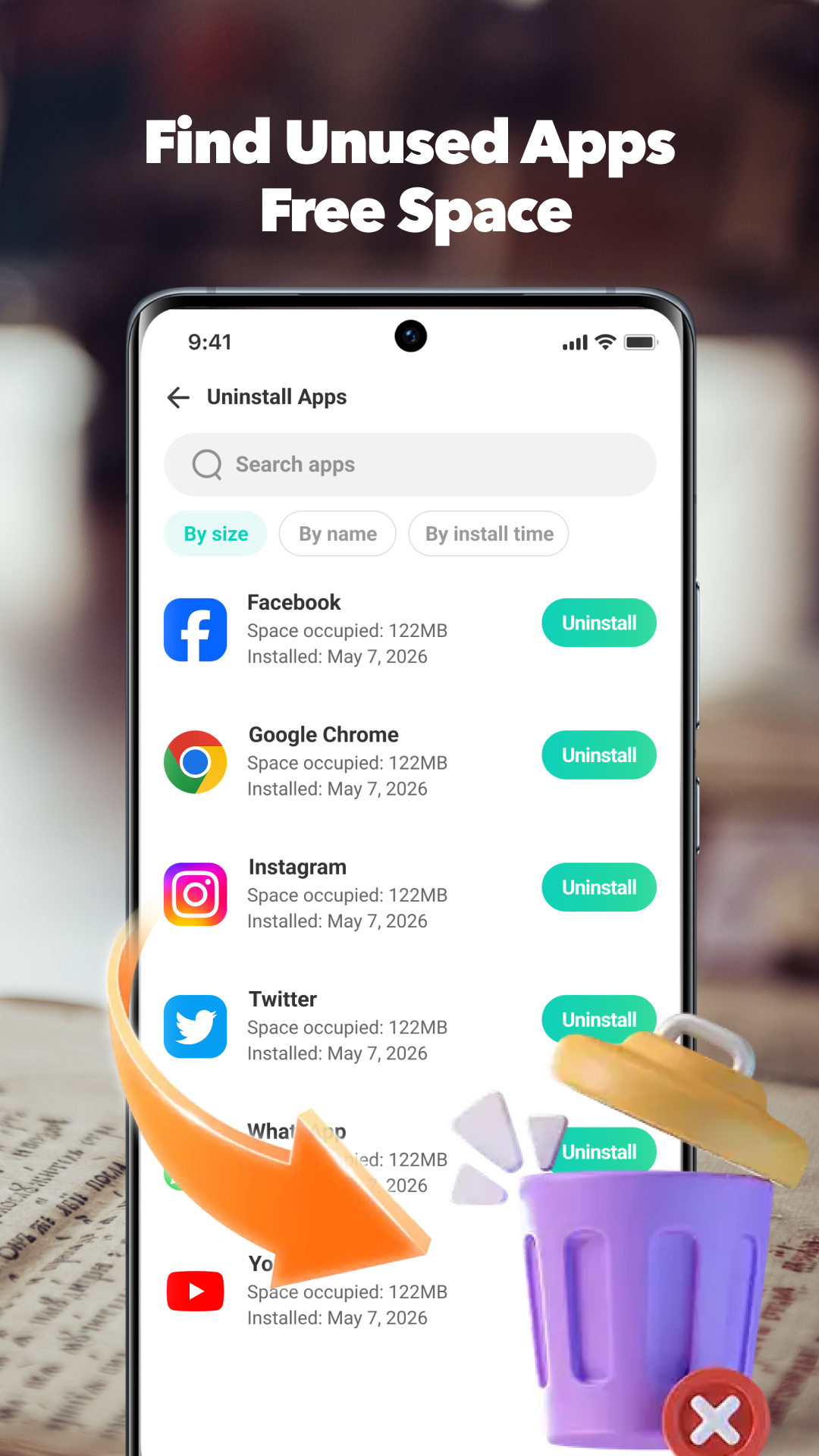
Review apps by size or install date and use Android’s normal uninstall flow when you choose to remove one.
 Large File CleanerReview space-heavy files.
 Data UsageMonitor network use.
 App LockProtect selected apps.
 Device InformationSee key device details.
CleanerMax brings practical cleanup and management tools together for Android.
Get it on Google Play